Screenshots
See it in action.
The kldload web UI — one ISO installs CentOS, Debian, Rocky, or RHEL with ZFS on root.
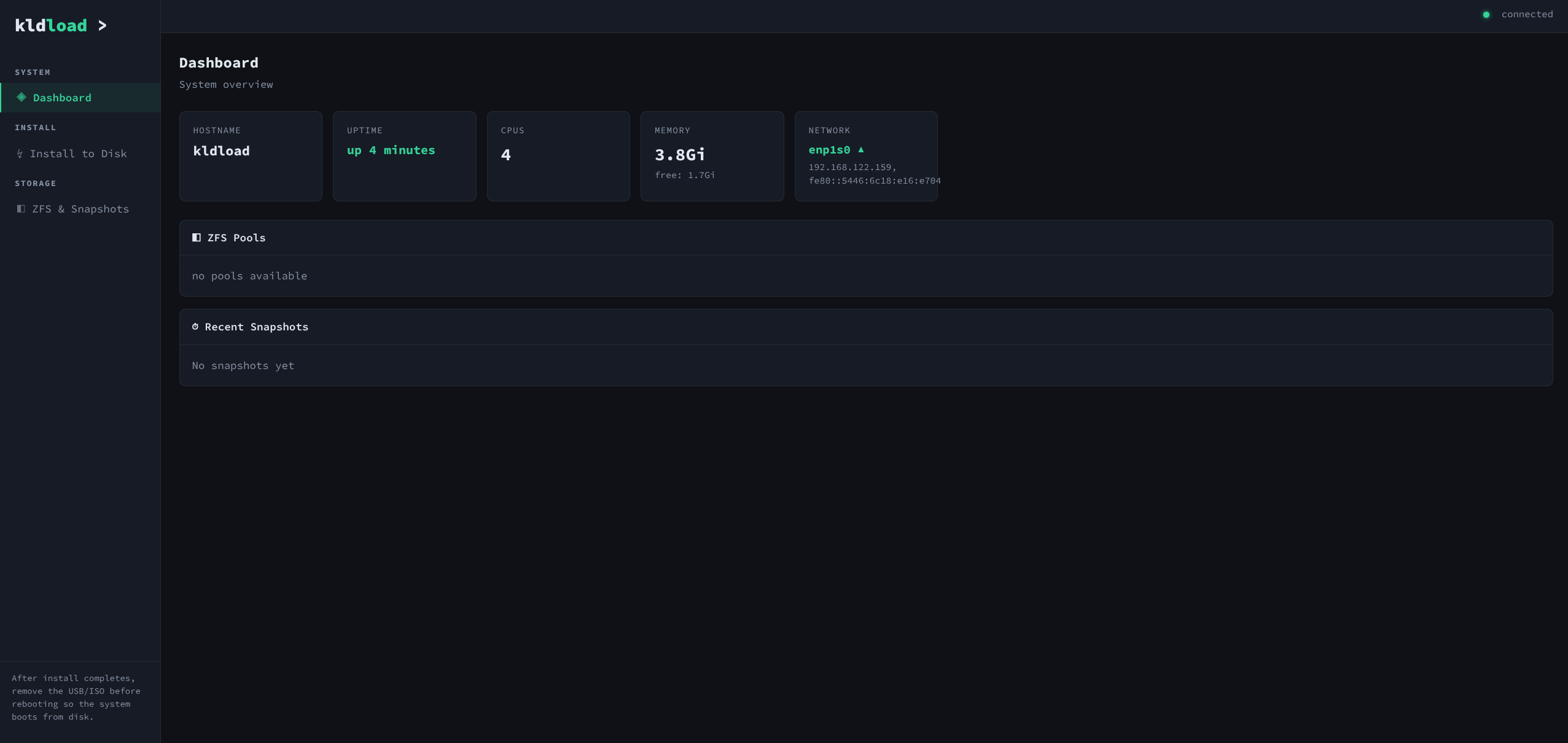
Dashboard
System overview — hostname, uptime, CPUs, memory, network. ZFS pool status and recent snapshots at a glance.
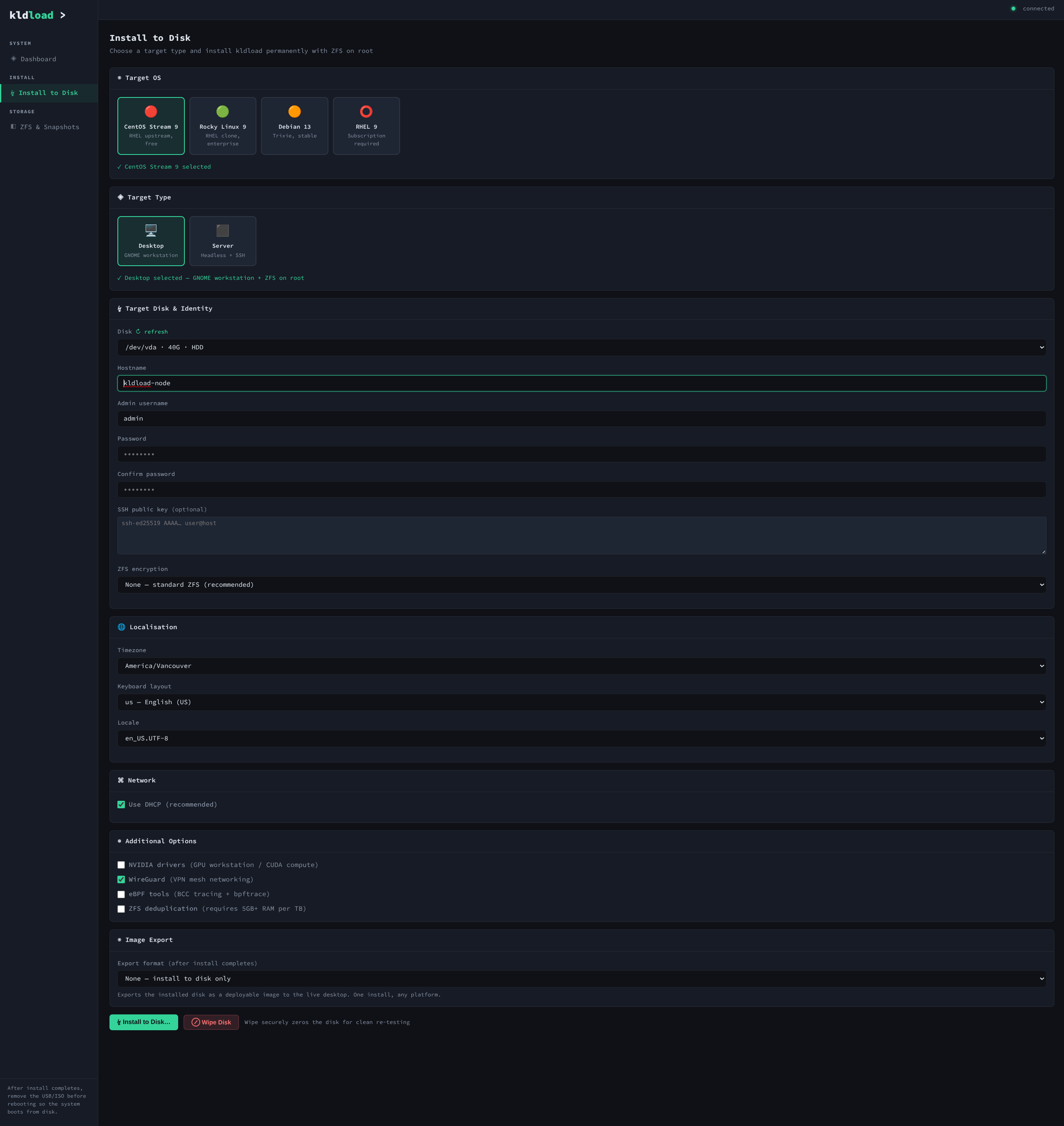
Install to Disk
Distro selector (CentOS, Rocky, Debian, RHEL), target type (Desktop/Server), disk & identity, RHEL credentials, ZFS encryption, localisation, network, addons (NVIDIA, WireGuard, eBPF, dedup), image export format, and the eject reminder.
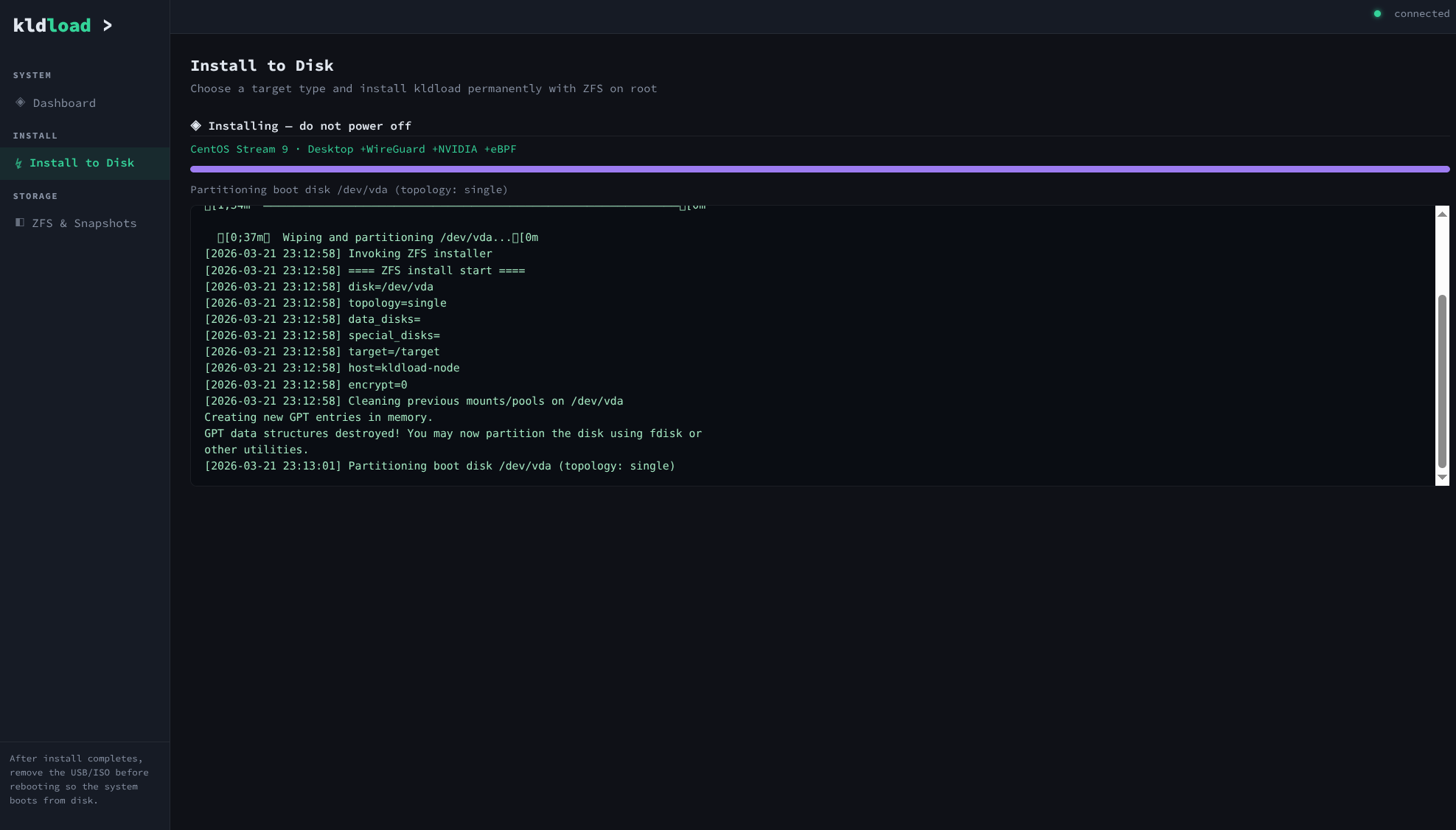
Installing
Real-time progress with profile summary line, log streaming via WebSocket. Shows every step: partitioning, ZFS pool creation, bootstrapping, DKMS build, bootloader install.
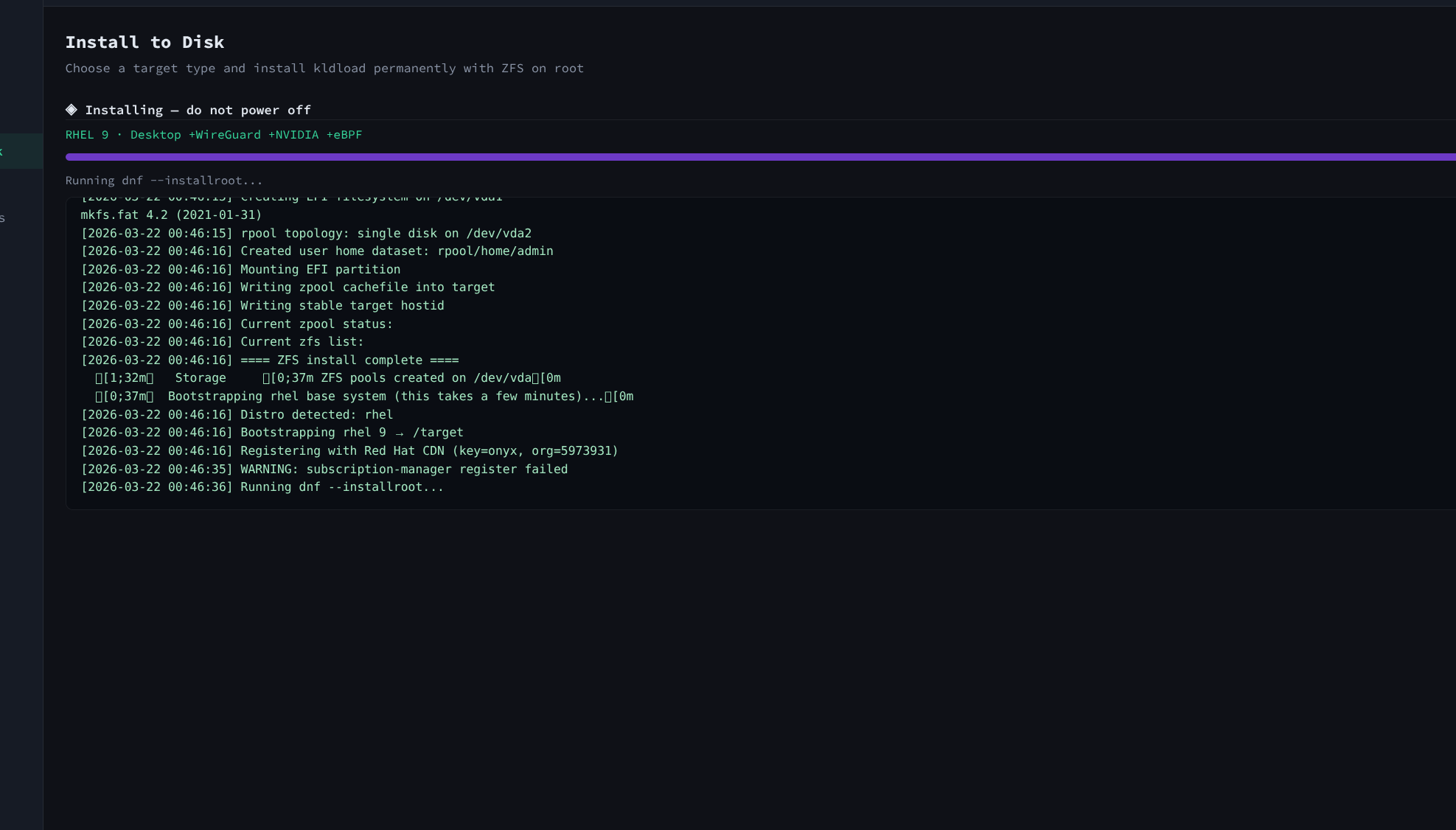
RHEL 9 Install
Profile summary:
RHEL 9 · Desktop +WireGuard +eBPF. Registers with Red Hat CDN using activation key, bootstraps via subscription-manager.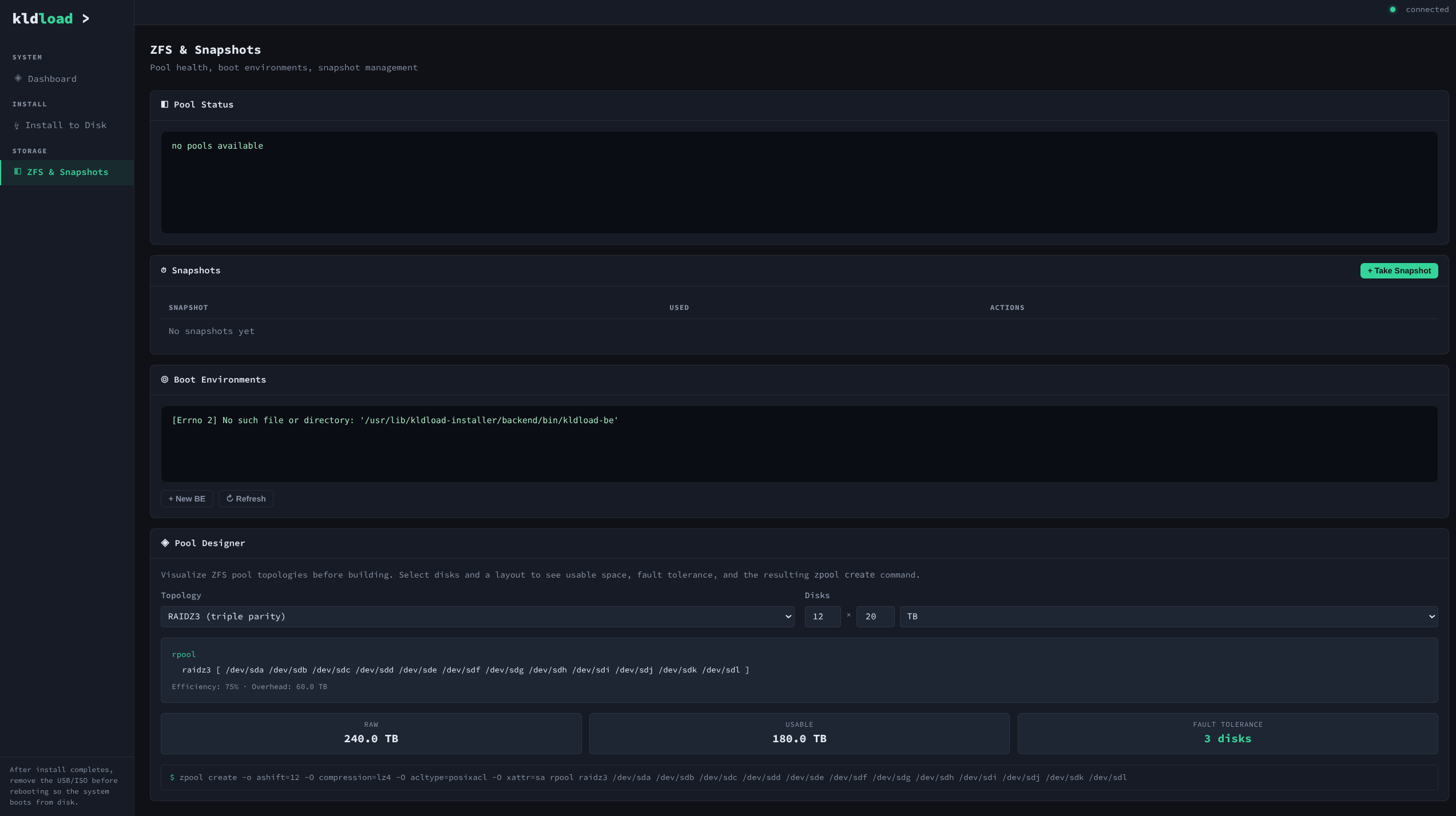
ZFS & Pool Designer
Pool health, snapshots, boot environments, and the visual pool designer. RAIDZ3 example: 12 × 20 TB = 240 TB raw, 186 TB usable, 3-disk fault tolerance. Shows the exact
zpool create command.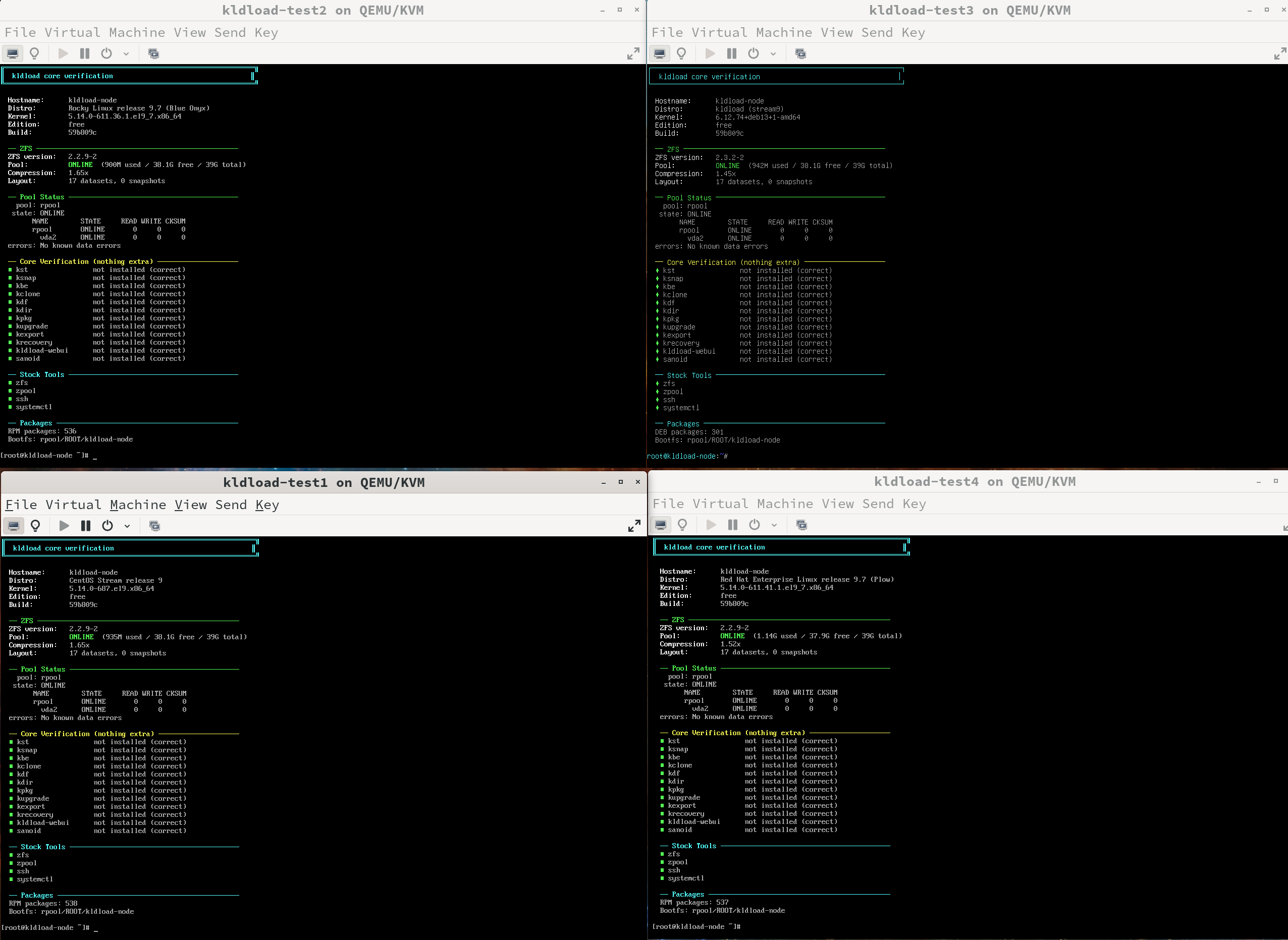
Core Profile — 4 Distros Verified
CentOS, Rocky, Debian, and RHEL — all running Core profile with ZFS on root. No kldload tools installed (verified). Stock distro + ZFS only. 17 datasets, pool ONLINE, zero errors.
Four Distros — Login Screens
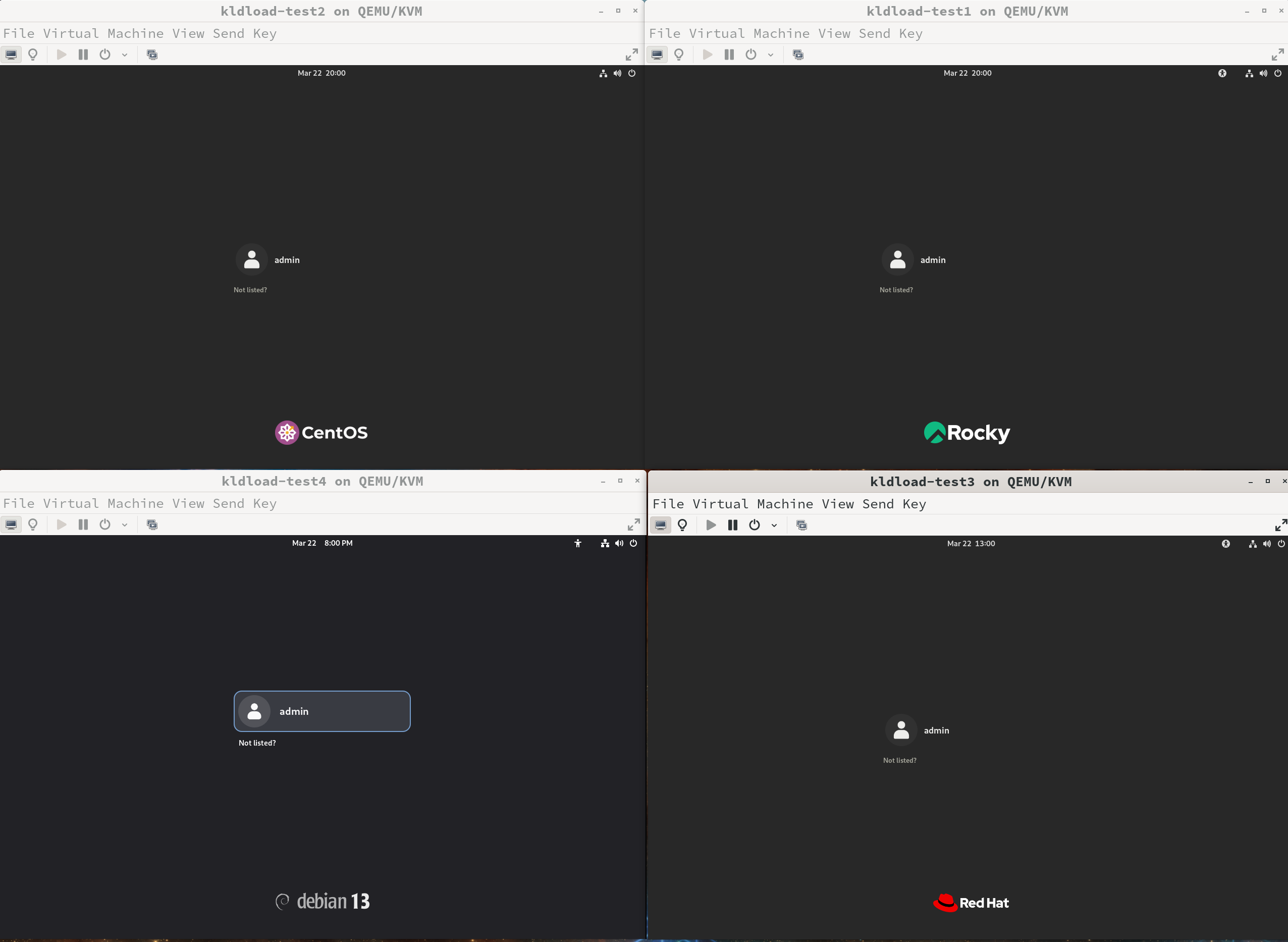
CentOS, Rocky, Debian 13, and RHEL — all installed from the same USB stick. Each showing its native login screen with distro branding intact.
Four Distros — ZFS Verified
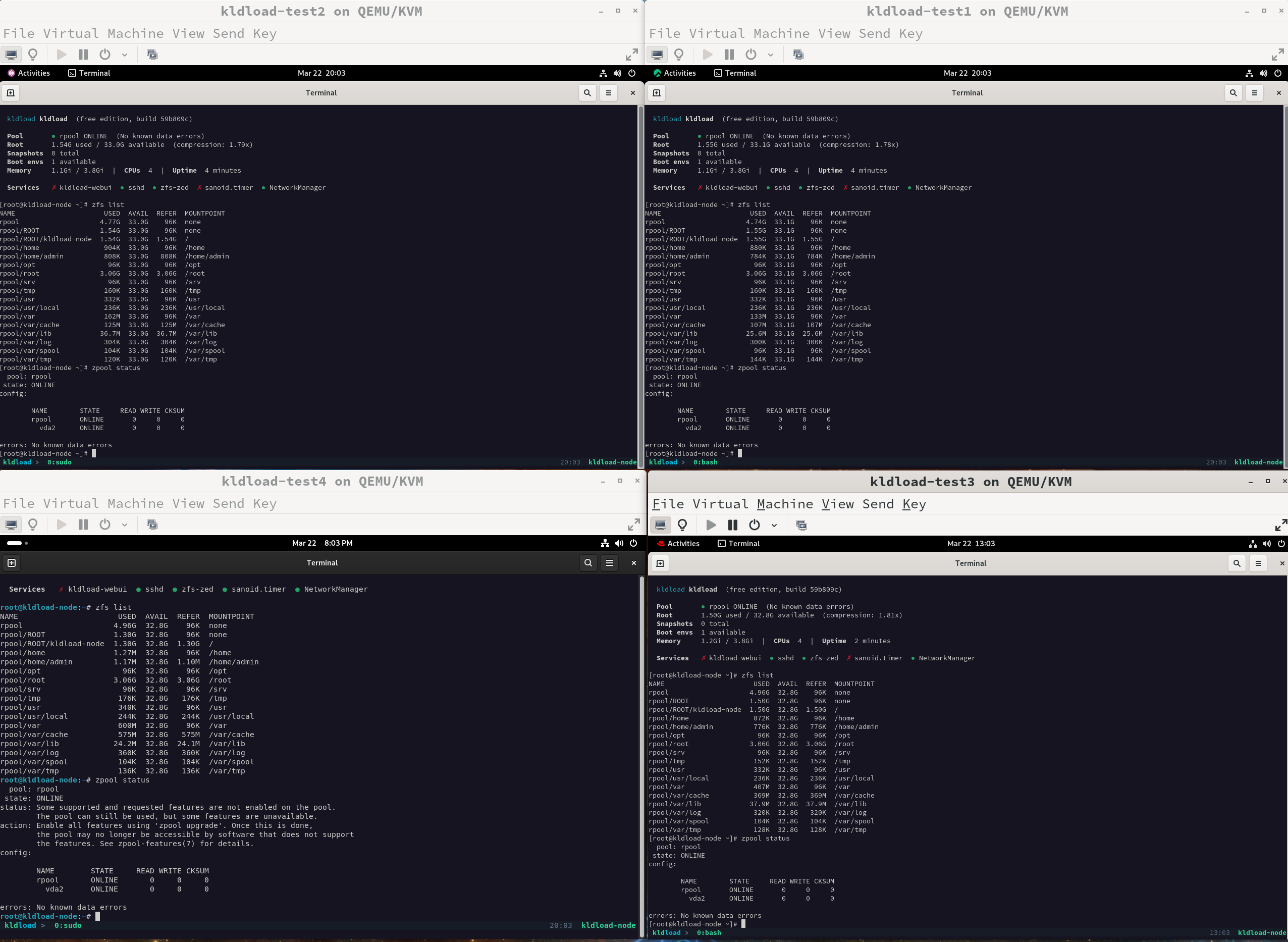
All four installed and running —
kst dashboard, zfs list, zpool status. CentOS, Rocky, Debian, RHEL with ZFS on root, pools ONLINE, zero errors.