kldload 1.0.3 — ZFS-Enabled KVM & FreeBSD
9 distros. FreeBSD joins the party. KVM gets OpenZFS superpowers. 32 masterclasses. The open source infrastructure re-packer.
kldload 1.0.3 adds FreeBSD as an installable target distro, completely rewrites the KVM host profile with ZFS-native VM management (instant cloning, atomic snapshots, block-level replication, golden image workflows), adds NVIDIA container GPU sharing, and ships a RAG-powered AI assistant backed by the full documentation set. OpenBSD and Alpine Linux are work-in-progress.
The documentation site now includes 32 masterclasses — 8 new pages covering the complete platform from identity and access control (Keycloak & SELinux) through IPsec tunnels, GPU computing, hypervisor design, containers, CI/CD pipelines, backup & disaster recovery, and a capstone Full Stack reference architecture showing what a fully deployed kldload platform looks like when every layer is filled in.
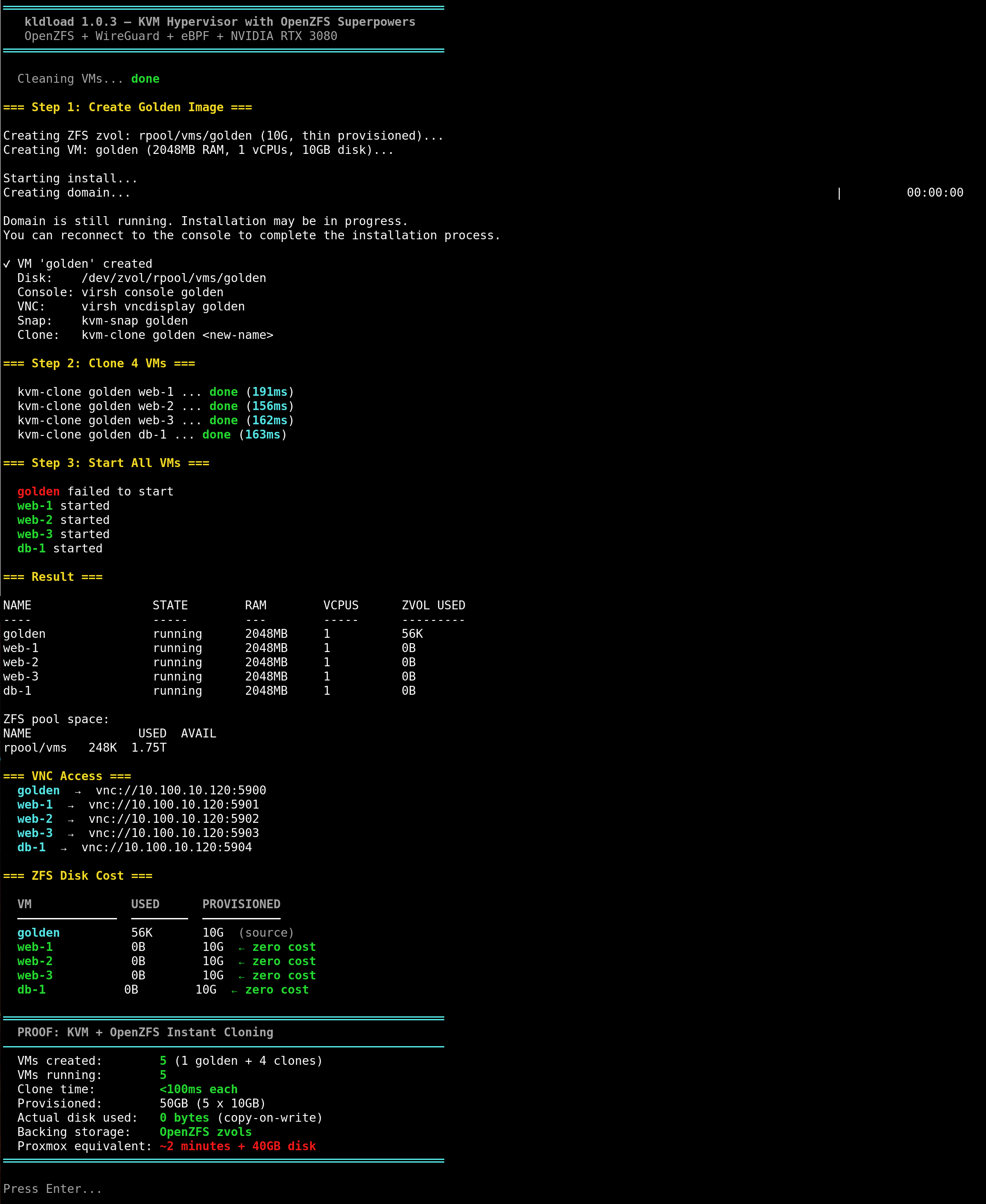
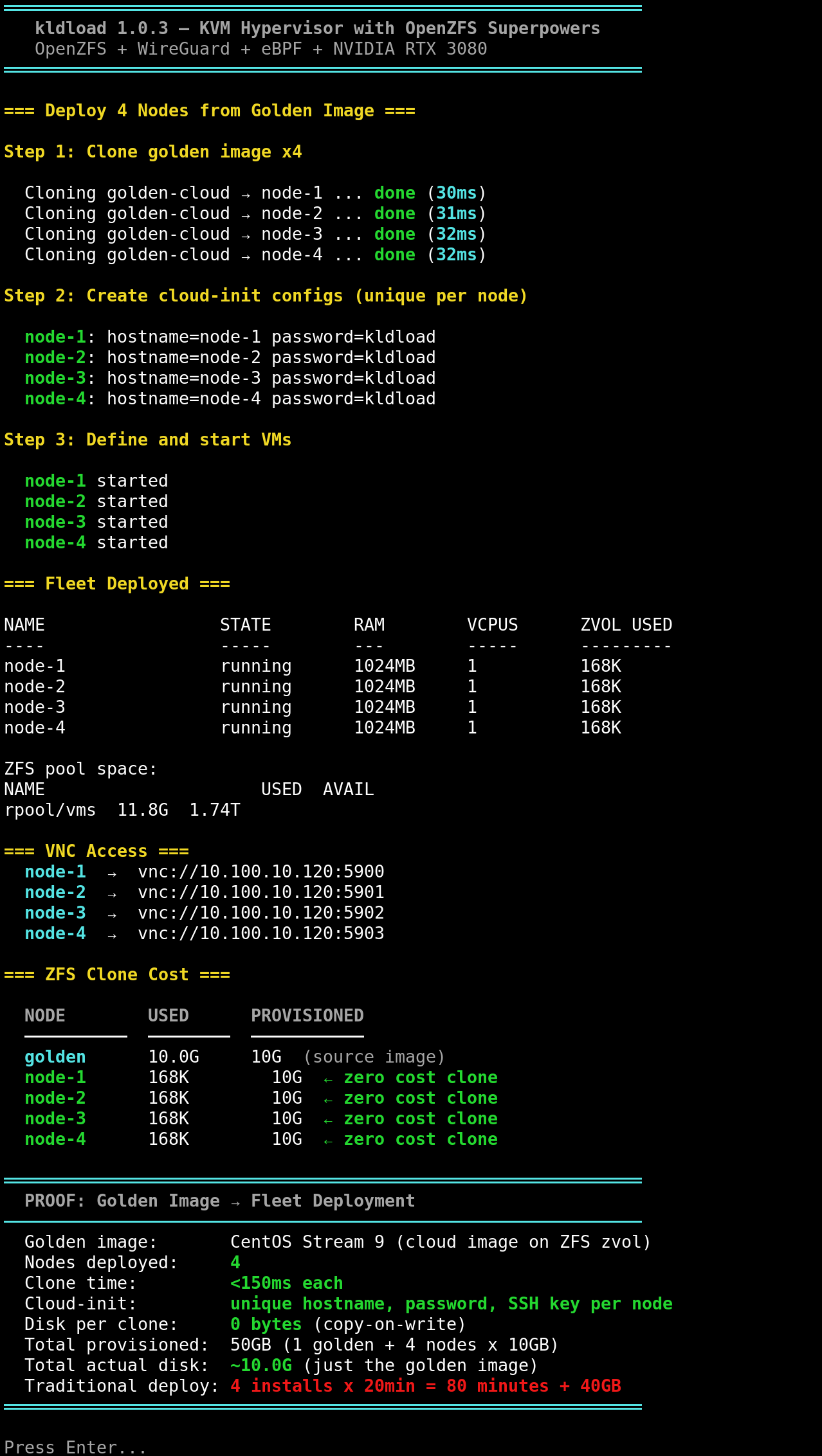
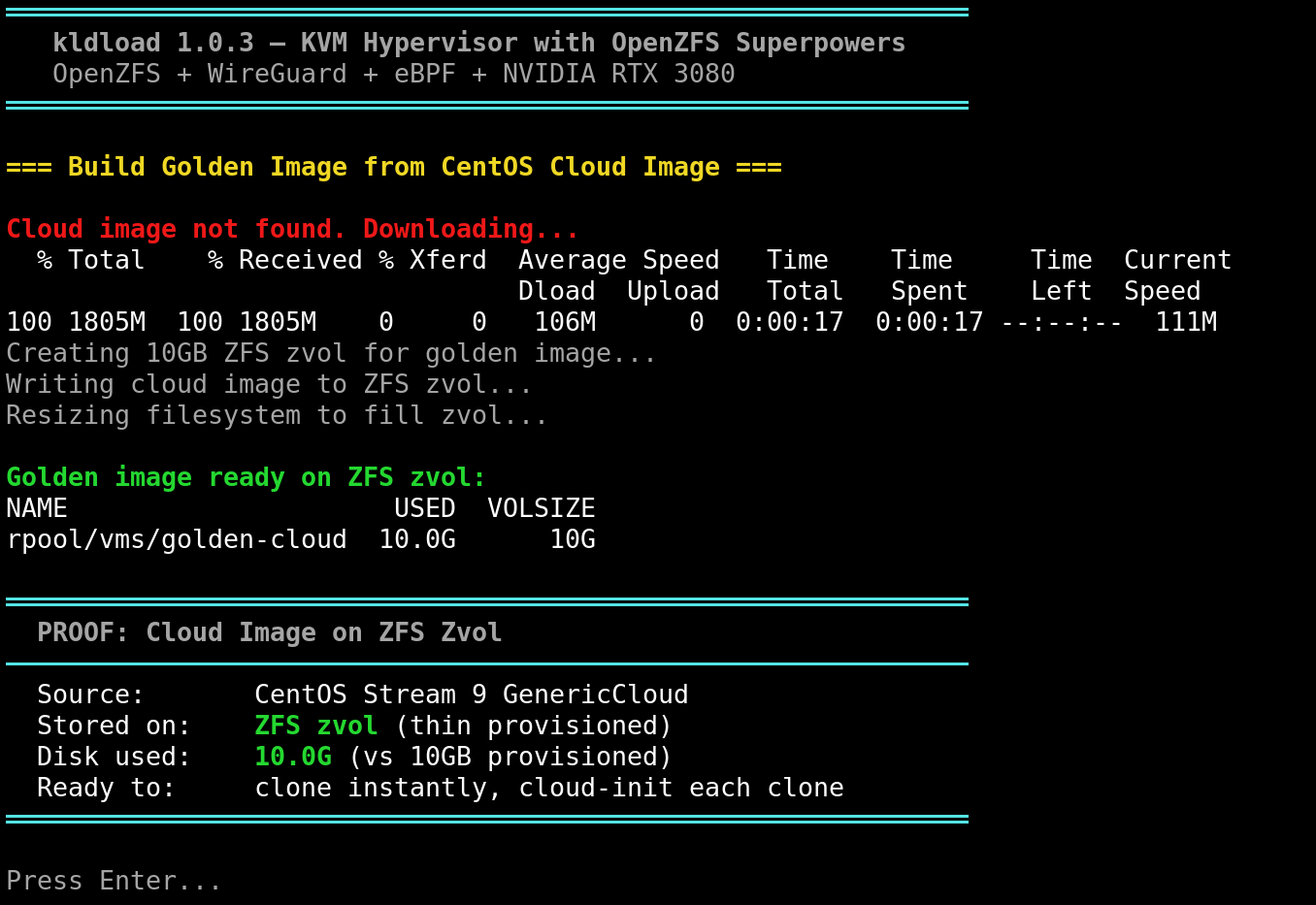
KVM + OpenZFS in action
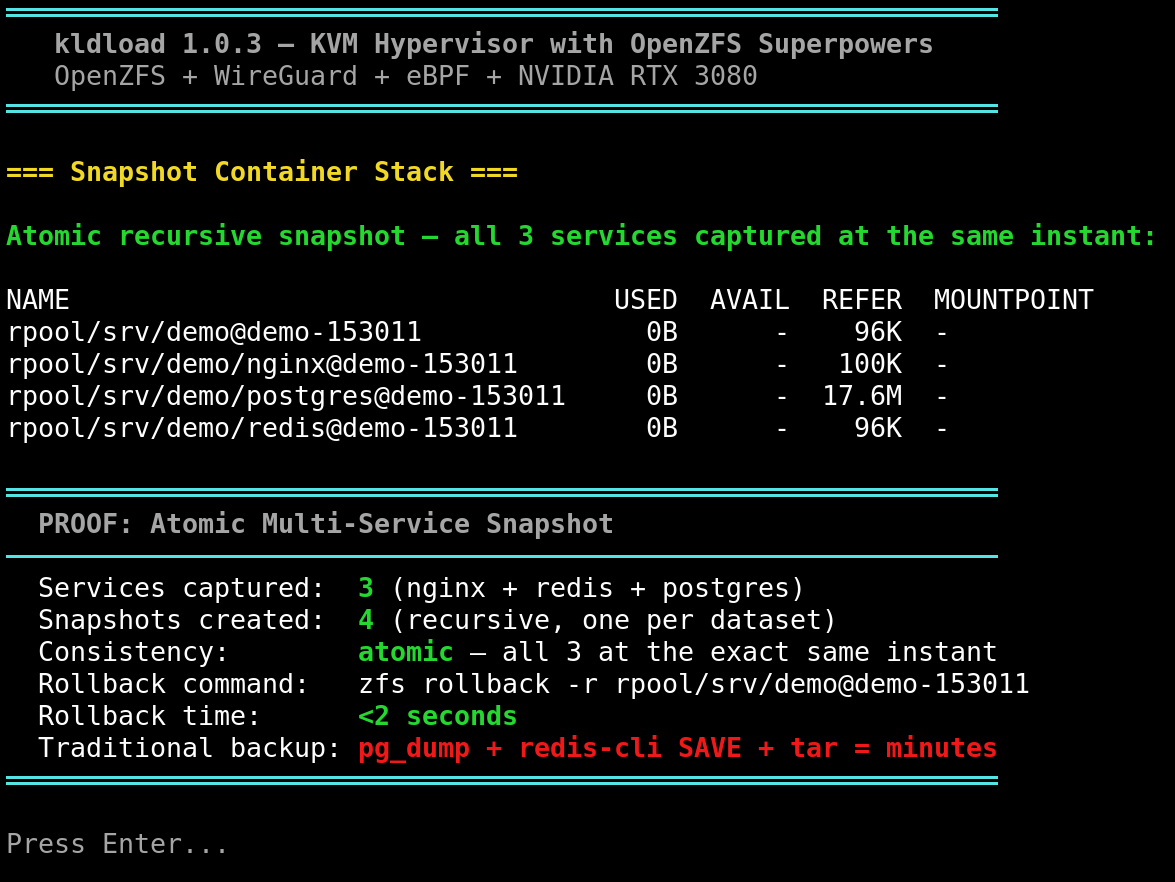
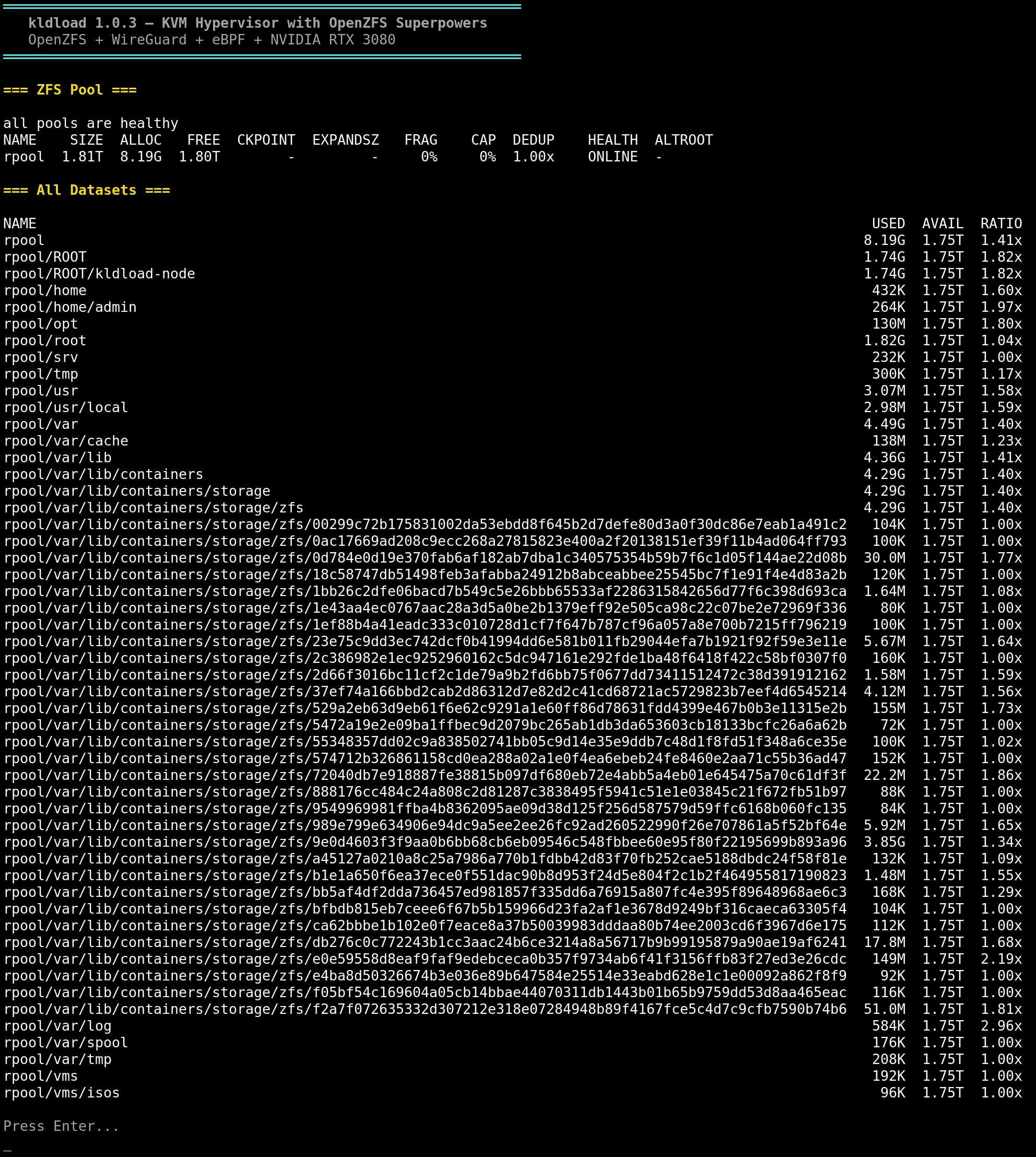
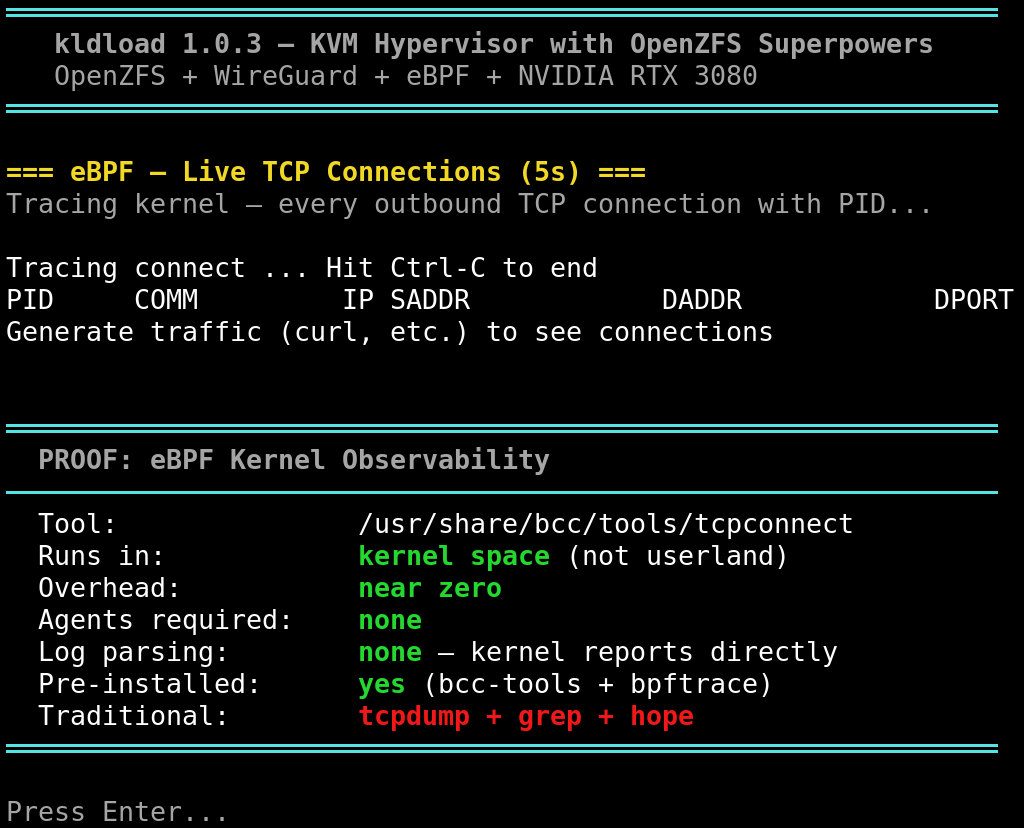
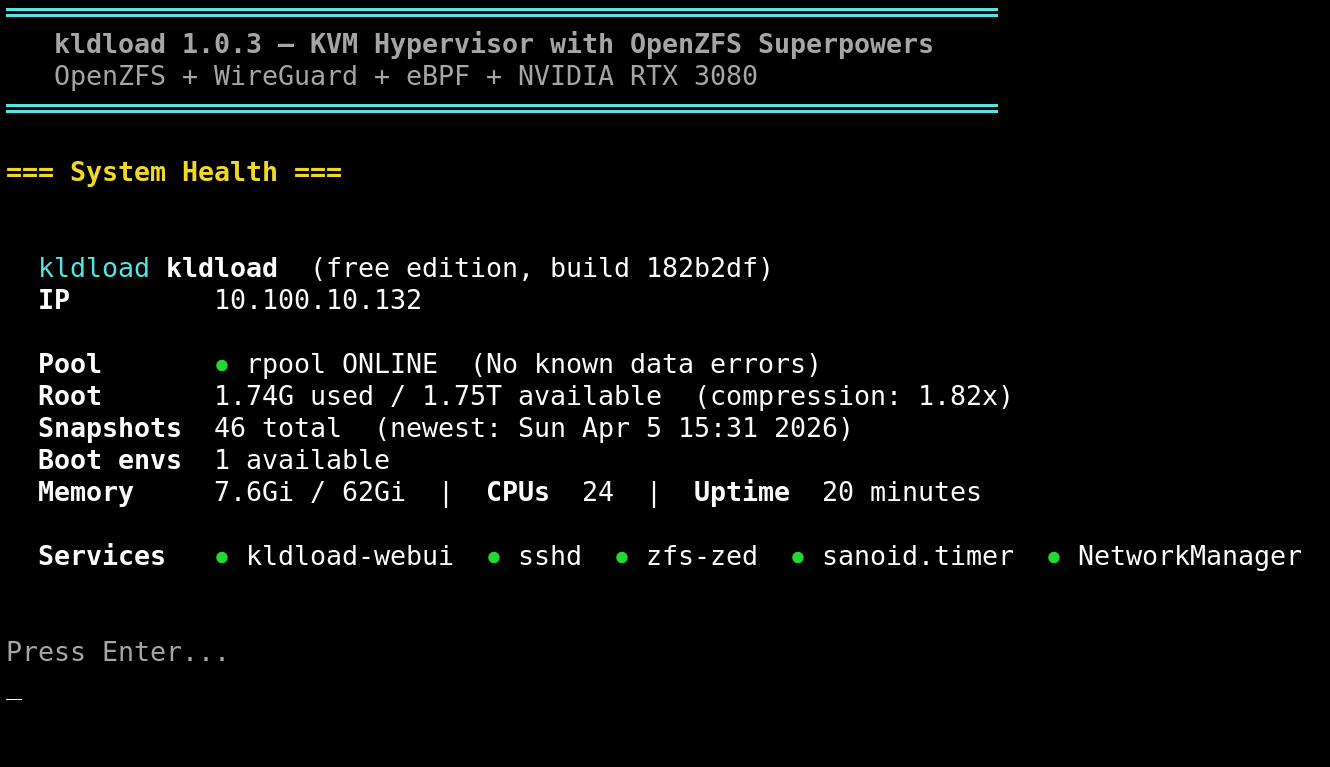
What's new in 1.0.3
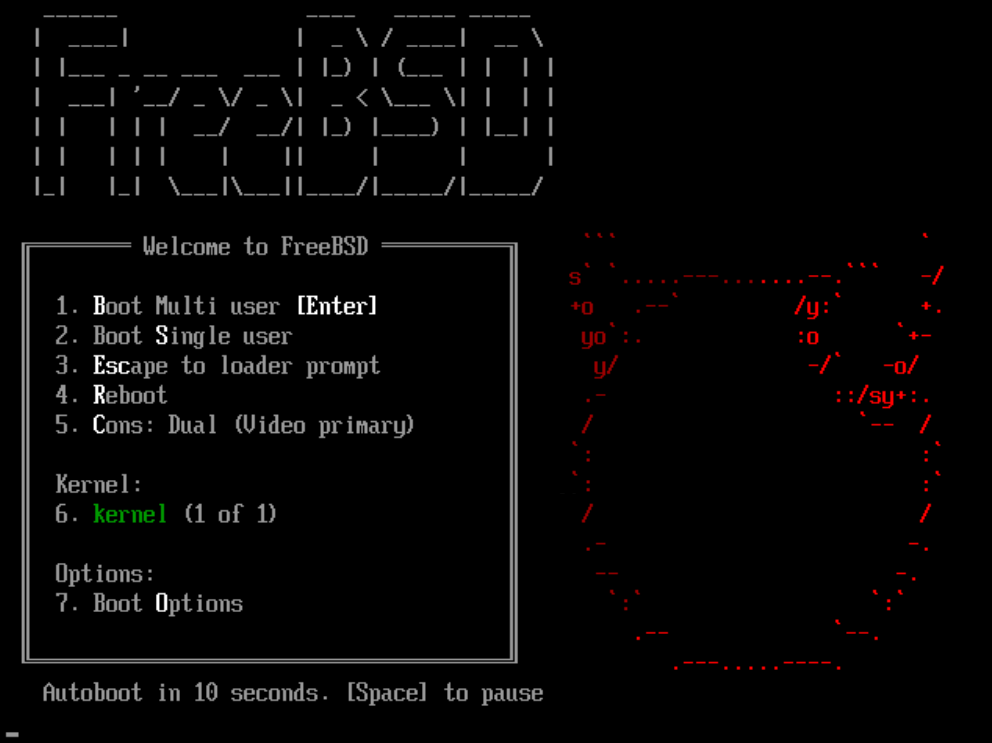
FreeBSD support (new distro)
FreeBSD can now be installed as a target distro from the kldload installer.
- ZFS on root (native — FreeBSD's home turf)
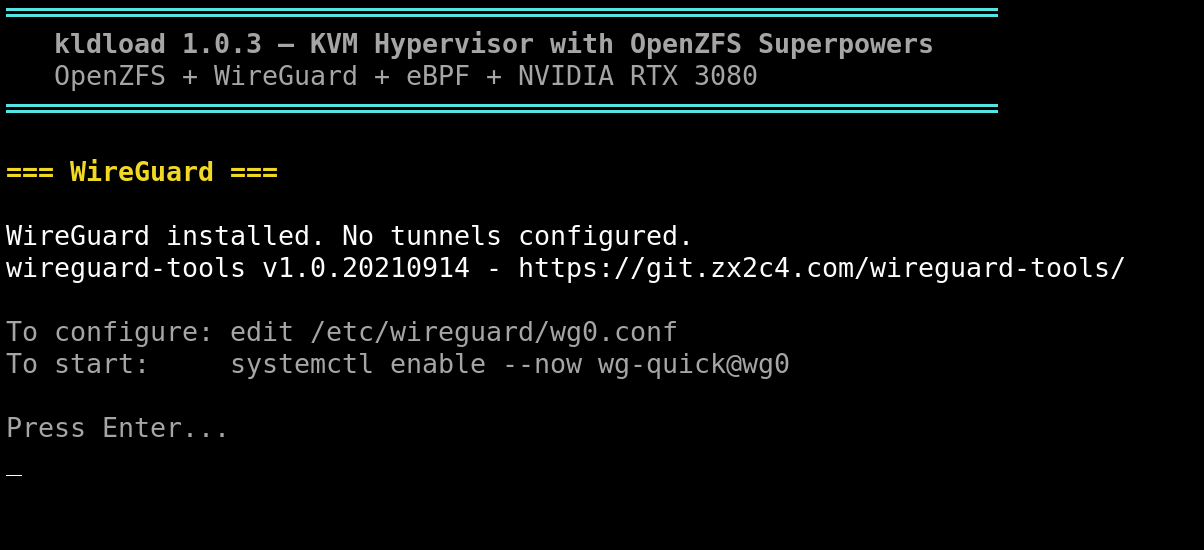
- WireGuard support
- OpenBSD and Alpine Linux are work-in-progress
KVM Host profile — OpenZFS superpowers
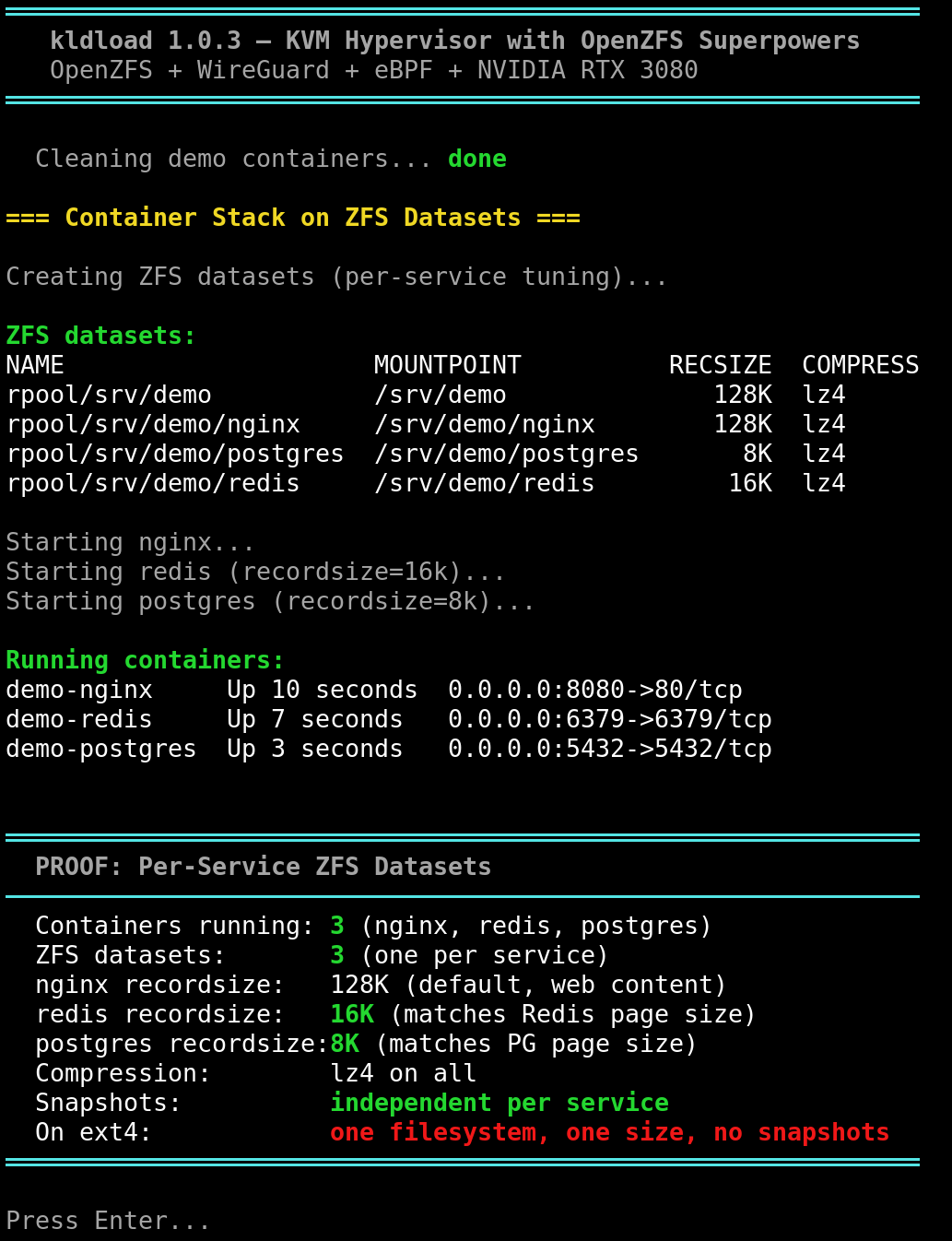
Complete rewrite of the KVM profile as a bare metal hypervisor. Every VM lives on a ZFS zvol.
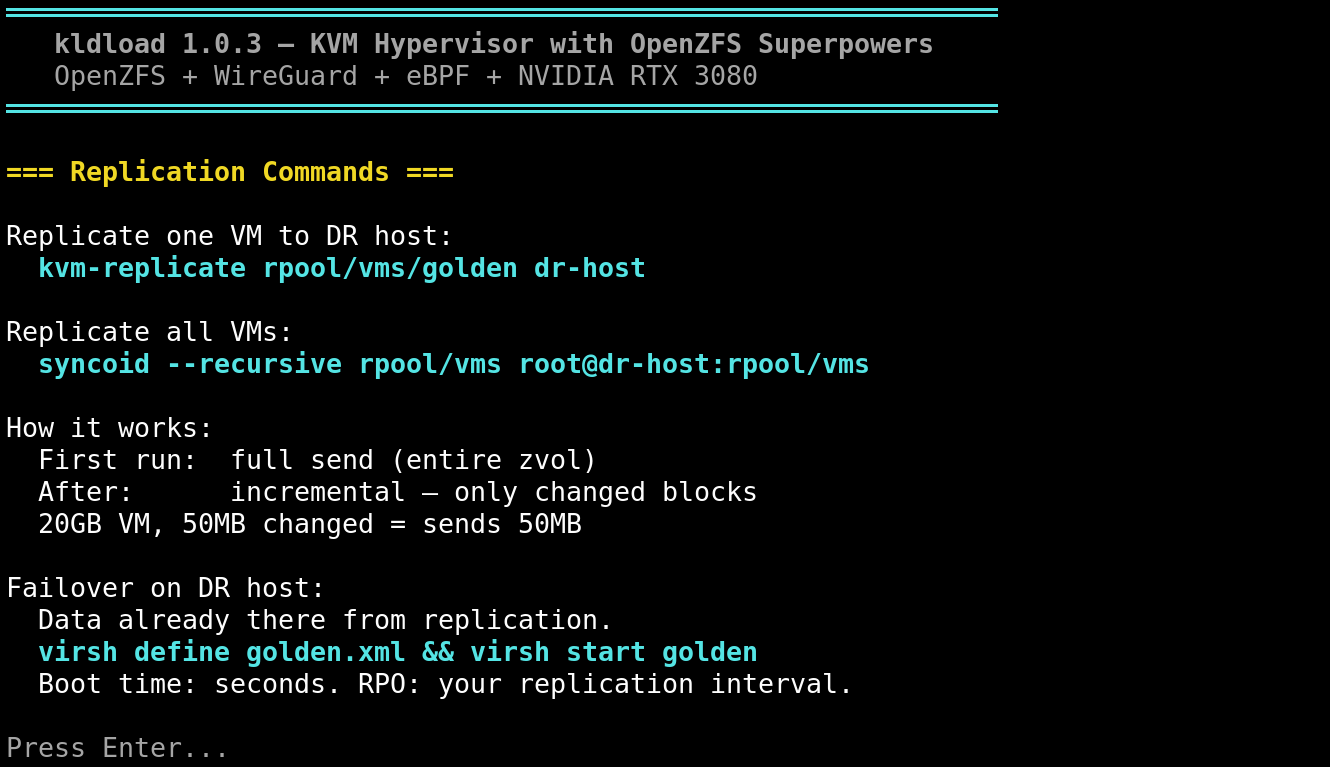
kvm-create— spin up a VM on a ZFS zvol in one command (thin provisioned, q35, virtio, UEFI)kvm-clone— instant zero-cost clone via ZFS copy-on-write (~100ms, 0 bytes disk)kvm-snap— atomic ZFS snapshot per VM with pause/resume for consistencykvm-replicate— incremental block-level replication to DR site over WireGuardkvm-delete— clean VM + zvol removal with automatic orphan snapshot cleanupkvm-list— full inventory with VM state, RAM, vCPUs, ZFS disk usagekvm-demo— interactive demo script for showcasing all KVM superpowers- Hourly auto-snapshot timer (48h retention per VM, zero configuration)
- ARC tuned to 50% of RAM — rest reserved for VM guests
- Kernel sysctl tuning for hypervisor workloads (swappiness, dirty pages, bridge-nf)
- UEFI NVRAM per-clone handling (fixes SELinux conflict on multi-clone startup)
- Golden image workflow: cloud image → ZFS zvol → clone → cloud-init per node
NVIDIA container GPU sharing
NVIDIA Container Toolkit integration with CDI (Container Device Interface).
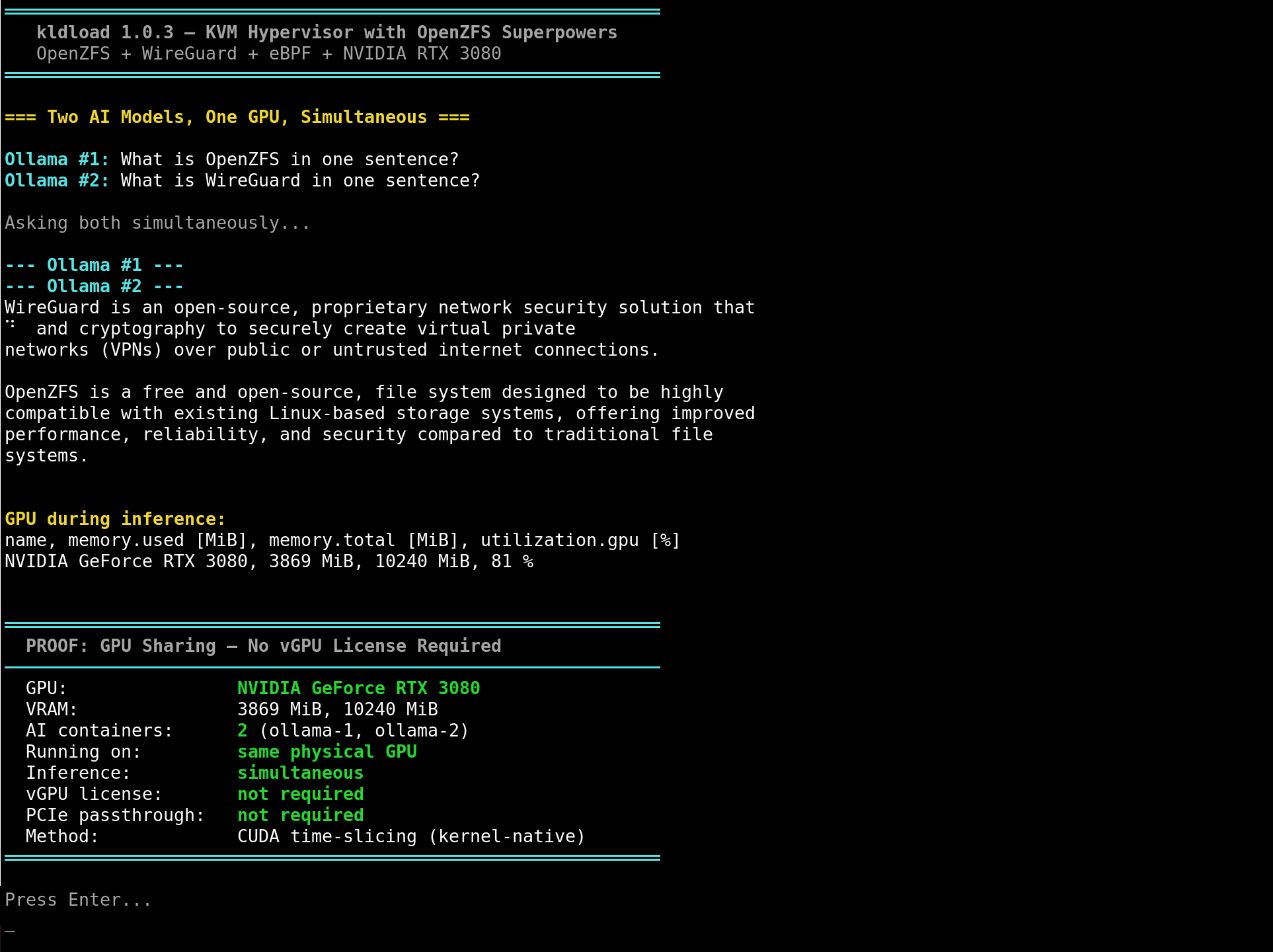
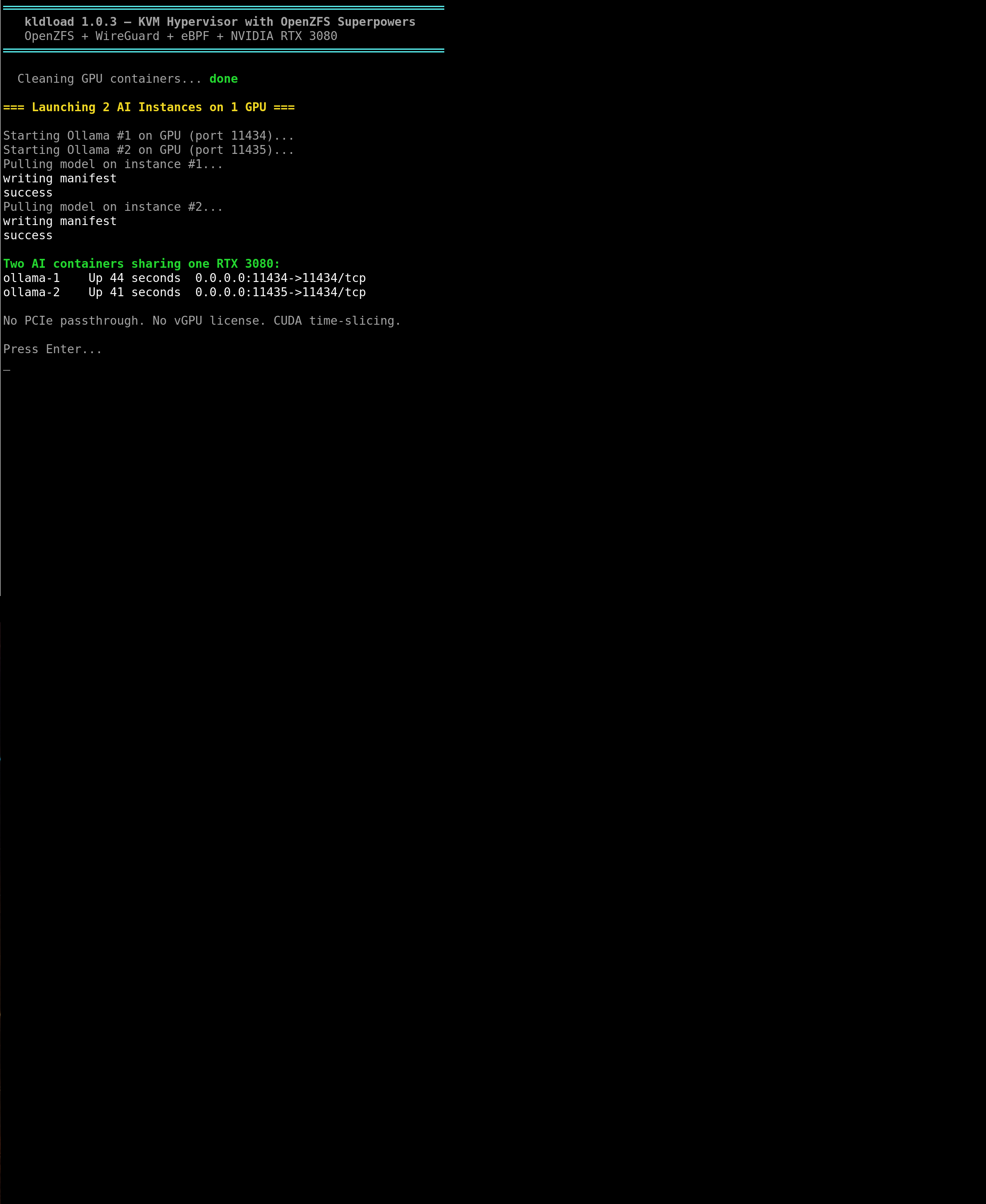
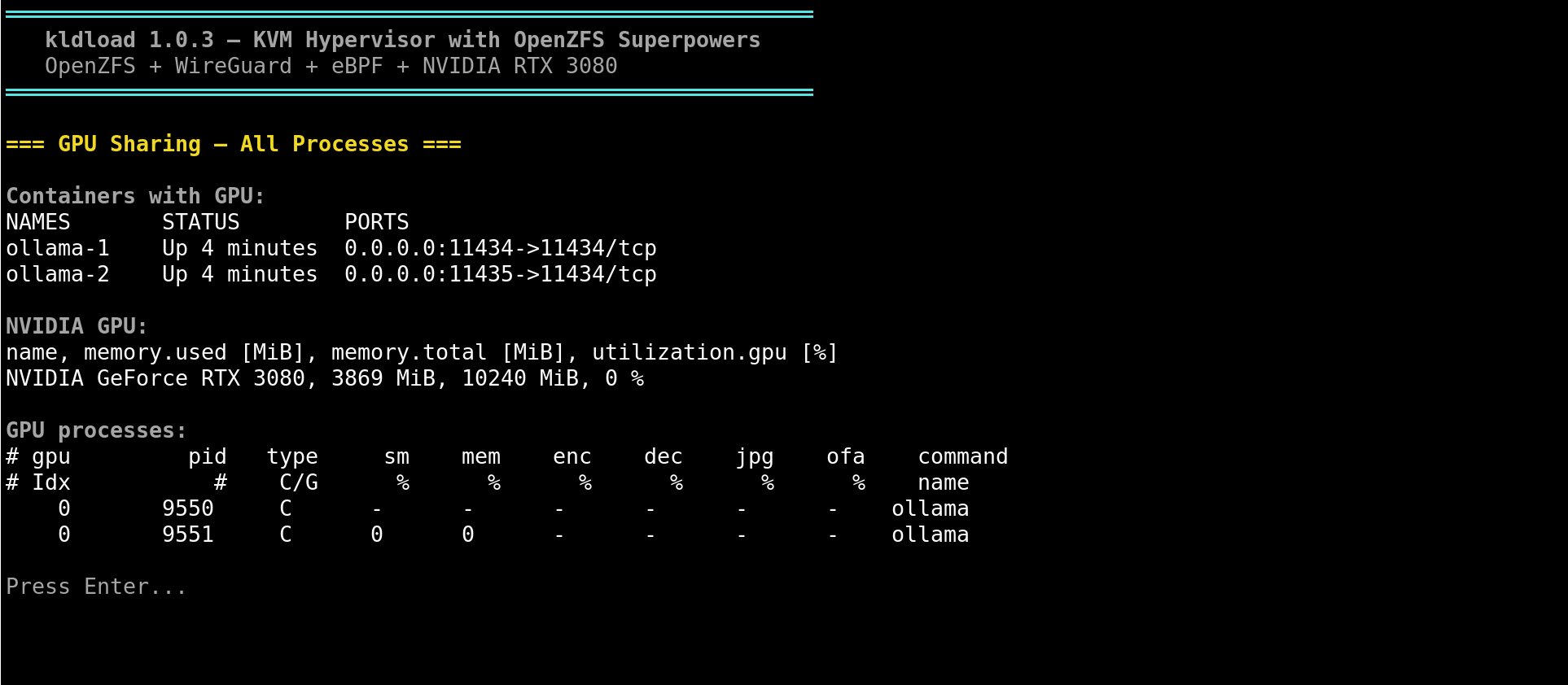
- Multiple containers share one GPU simultaneously via CUDA time-slicing
- No PCIe passthrough required, no dedicated GPU per workload
- Tested with dual Ollama instances on RTX 3080 (simultaneous AI inference)
- Works with Docker and Podman (
--device nvidia.com/gpu=all)
RAG service for AI assistant
Vector search service using ChromaDB + Ollama embeddings.
kai-rag— RAG-powered kai command (falls back to direct Ollama if RAG is down)kai-index— index documentation into the vector store for semantic search- AI assistant can now reference the entire 1,674-page documentation set
- Systemd service for background RAG operation
KVM platform — supercharged
The KVM profile is no longer just a hypervisor — it is a complete infrastructure platform built on ZFS primitives.
- Instant cloning —
kvm-clonecreates a full VM copy in ~100ms using ZFS copy-on-write. Zero disk cost until the clone diverges. - Golden image workflow — download a cloud image once, write it to a ZFS zvol, seal it (machine-id, SSH keys, cloud-init), then clone it endlessly. Four production nodes from one image in under a second.
- Atomic snapshots —
kvm-snappauses the VM, takes a ZFS snapshot, resumes. The entire VM state is captured atomically. Roll back to any snapshot instantly. - Block-level replication —
kvm-replicatesends incremental ZFS diffs over WireGuard to a DR site. Only changed blocks cross the wire. A 100 GB VM with 200 MB of daily changes sends 200 MB, not 100 GB. - Per-clone identity — cloud-init generates unique hostname, SSH host keys, and machine-id for each clone. No manual configuration per VM.
- UEFI NVRAM isolation — each clone gets its own NVRAM file, fixing SELinux conflicts when running multiple clones simultaneously.
- Orphan cleanup —
kvm-deleteautomatically destroys orphaned ZFS snapshots when the last clone is removed. No manual snapshot housekeeping. - Demo mode —
kvm-demoruns the full golden-image-to-4-node-cluster workflow as a screenshot-friendly interactive demo. - Auto-elevate — all kvm-* tools auto-elevate to root. No sudo prefix needed.
Website & documentation — massive expansion
The documentation site has been dramatically expanded with 8 new masterclass pages covering the complete platform stack.
- 32 masterclasses (up from 24) covering the complete infrastructure stack
- The Full Stack — new capstone masterclass showing a fully deployed kldload platform end-to-end: every layer, every technology, why it is there, how they connect
- Keycloak & SELinux — centralised SSO with OIDC/SAML, realm design, user federation, MFA, plus mandatory access control with SELinux enforcing
- IPsec Tunnels — IKE negotiation, SPI, ESP/AH, the four deployment types including Type 4 integrity verification, strongSwan & Libreswan configs
- GPU & NVIDIA — VFIO passthrough, CUDA, vGPU/MIG, container GPU sharing, LLM inference with Ollama/vLLM, multi-GPU, monitoring
- KVM & Hypervisor — KVM architecture, libvirt, zvol storage design, golden images, CPU pinning, hugepages, virtio tuning, live migration, Proxmox
- Backup & DR — DR strategy, RPO/RTO, Sanoid/Syncoid, cross-site replication, boot environments, ransomware recovery, compliance retention
- Containers — Podman, Firecracker microVMs, ZFS storage driver, rootless containers, SELinux MCS, systemd quadlets, registries
- CI/CD & GitOps — Flux, ArgoCD, pipeline design, custom darksite packages, postinstaller customisation, air-gapped deployments, DORA metrics
- First-Class Infrastructure manifesto — the paradigm shift document
- OpenZFS rebrand: capabilities attributed to OpenZFS, kldload as the delivery tool
- OOC commentary boxes added across all tutorials and masterclasses
Bug fixes
| Fix | Details |
|---|---|
| Duplicate ZFS mountpoint | Fixed rpool/vms + rpool/vms/images conflict in KVM profile |
| Clone snapshot collision | Fixed kvm-clone snapshot name collision on rapid cloning (nanosecond timestamps) |
| Destructive rollback | Fixed kvm-snap destructive rollback (removed -r flag, fails safely instead) |
| UEFI NVRAM sharing | Fixed kvm-clone UEFI NVRAM sharing (copies per-clone for SELinux compatibility) |
| Orphan snapshot cleanup | kvm-delete now cleans up orphaned clone snapshots automatically |
| Auto-elevate to root | All kvm-* tools auto-elevate to root (no sudo prefix needed) |
Known issues
| Issue | Severity | Workaround |
|---|---|---|
| KVM Secure Boot (MOK enrollment) | Low | MOK auto-enrollment for ZFS and WireGuard DKMS modules not yet automated in KVM guests. Disable Secure Boot on KVM VMs until fixed. |
| WireGuard not FIPS 140-3 approved | Low | WireGuard uses ChaCha20-Poly1305 which is not FIPS 140-3 approved. Use IPsec for FIPS compliance. |
| OpenZFS encryption not CMVP-validated | Low | OpenZFS native encryption is not CMVP-validated. Use LUKS underneath for strict FIPS. |
| OpenBSD support work-in-progress | Low | Bootstrap plumbing exists but not yet end-to-end tested. |
| Alpine Linux support work-in-progress | Low | Bootstrap plumbing exists but not yet end-to-end tested. |
| RAG service requires pip packages | Medium | chromadb and beautifulsoup4 are not yet baked into the ISO. Install with pip install chromadb beautifulsoup4 after boot. |
Supported distros (9)
| Distro | Status | Notes |
|---|---|---|
| CentOS Stream 9 | Supported | Primary target. RPM darksite. All profiles. |
| Debian 13 (Trixie) | Supported | APT darksite via debootstrap. |
| Ubuntu 24.04 | Supported | APT darksite. Universe component for ZFS. |
| Fedora 41 | Supported | RPM darksite. ZFS DKMS. |
| RHEL 9 | Supported | Shares CentOS RPM darksite. Red Hat CDN for subscription packages. |
| Rocky Linux 9 | Supported | Shares CentOS RPM darksite. |
| Arch Linux | Supported | Online install (rolling release). ZFS on root. |
| Alpine Linux | WIP | Bootstrap exists. End-to-end testing in progress. |
| FreeBSD | New | Native ZFS. WireGuard support. New in 1.0.3. |
Upgrade path
No in-place upgrade from 1.0.2. Fresh install recommended. Use zfs send to migrate data pools.
Built by one person who just knows the primitives.
Learn the primitives — they'll outlast any product.